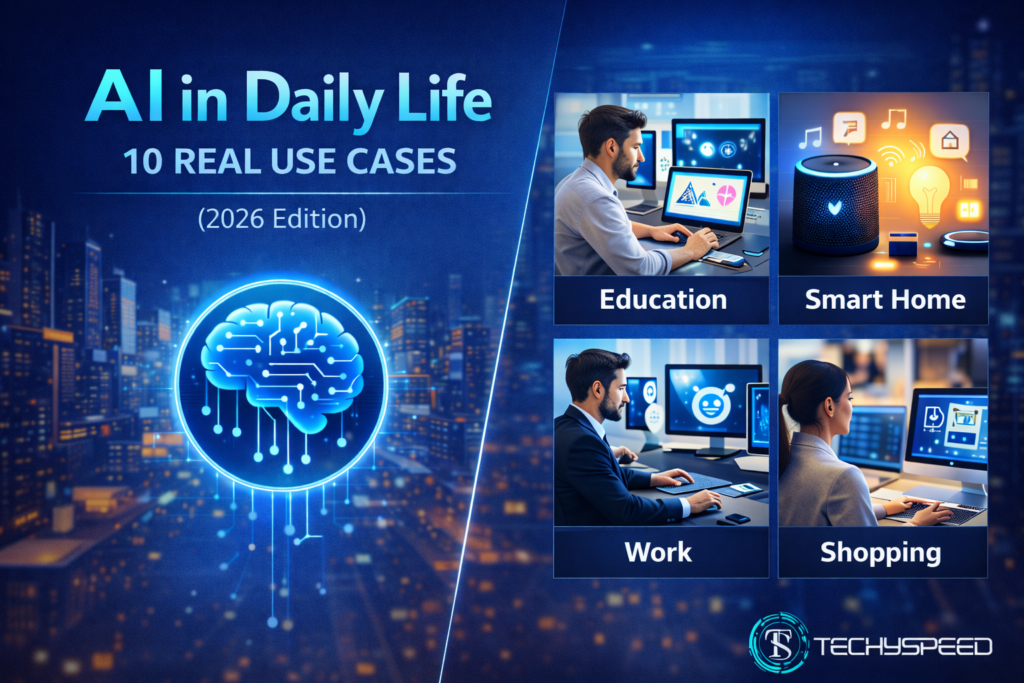
AI in Daily Life: 10 Real Use Cases of Artificial Intelligence
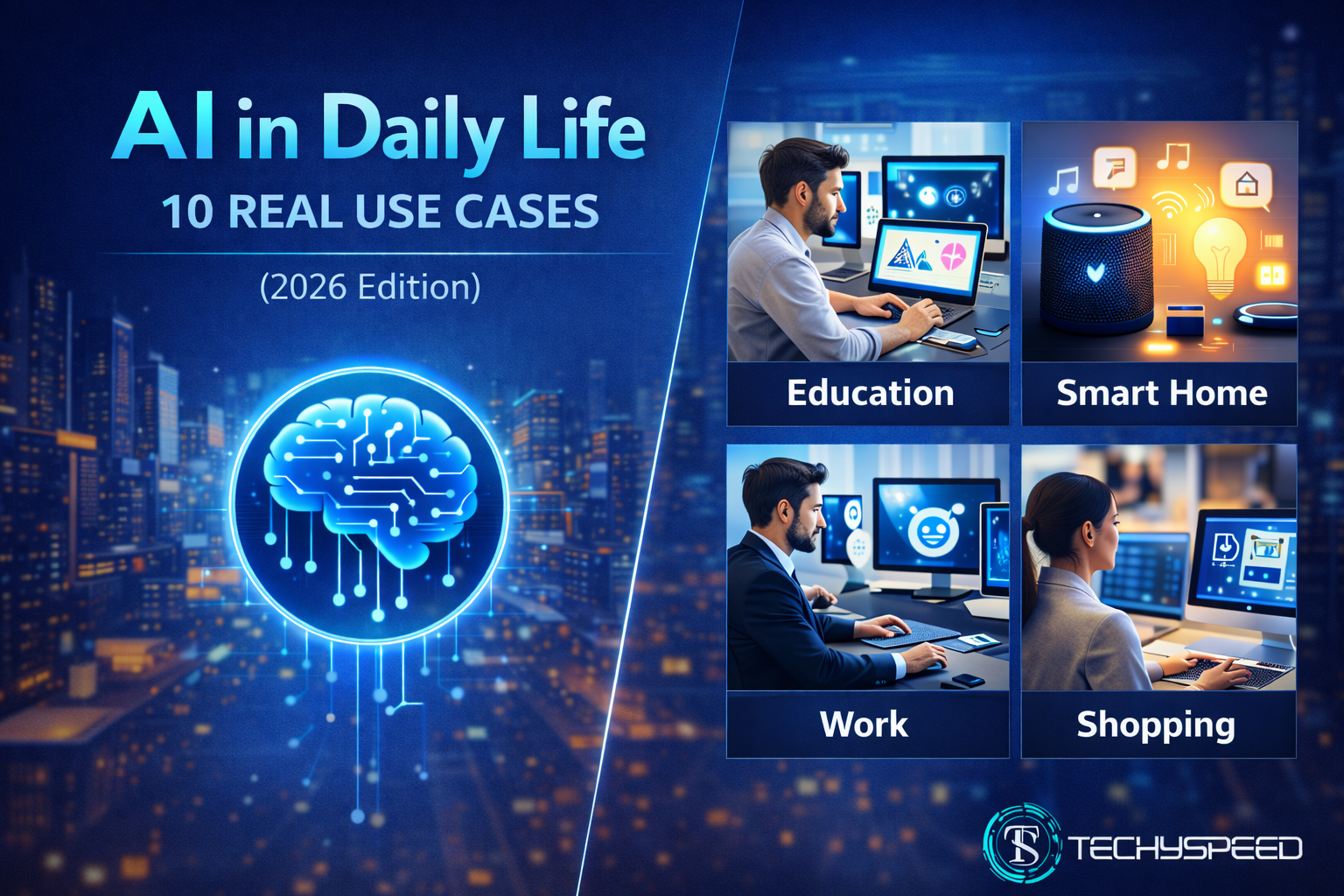
Artificial Intelligence (AI) is no longer just a futuristic concept it’s already a part of your daily routine. From unlocking your phone with Face ID to getting movie suggestions on Netflix, AI works quietly in the background to make life easier and smarter.
In this guide, we’ll look at 10 real-world use cases of AI in daily life across learning, work, healthcare, and entertainment.
1. AI in Education & Learning
AI is helping students learn smarter and faster than ever. Tools like ChatGPT, Notion AI, and GrammarlyGO make studying easier by summarizing notes, correcting essays, and generating project ideas.
2. AI in Healthcare
AI is transforming hospitals and medical research. Diagnostic systems now detect diseases faster than doctors in some cases. For example, AI tools analyze X-rays, blood reports, and patient data to identify early signs of illness.
Hospitals also use automation similar to that in AI Automation for Business, optimizing data management and improving accuracy.
3. AI in the Workplace
From freelancers to global companies, AI is improving productivity.
Smart assistants schedule meetings, draft emails, and summarize reports within seconds. AI automation tools handle repetitive tasks so humans can focus on creativity.
See how companies use AI in real workflows? Explore AI Automation for Business for detailed case studies and tools.
4. AI in Communication
Your email filters, spam blockers, and even chat translations rely on AI. It detects tone, sentiment, and context to deliver clearer communication across languages and platforms.
5. AI in Smart Homes
Voice assistants like Alexa and Google Assistant are perfect examples of AI in daily life. They understand your commands, learn preferences, and adjust lighting, music, or temperature automatically.
6. AI in Entertainment
Netflix, Spotify, and YouTube use AI to recommend shows and songs based on your habits. AI even helps create music, write screenplays, and generate animations merging creativity with technology.
7. AI in Travel & Navigation
Google Maps uses AI to calculate the fastest route and predict traffic patterns. Airlines use AI to manage schedules and optimize flight paths, reducing delays and fuel costs.
8. AI in Finance
Banks and apps use AI to detect fraud, analyze transactions, and manage budgets. Chatbots also help customers check balances or transfer money instantly without human help.
9. AI in Shopping & e-Commerce
AI personalizes your shopping experience recommending products, setting dynamic prices, and predicting what you might want next. Tools like Shopify Magic and Amazon AI drive this behind the scenes.
10. AI in Security & Privacy
Facial recognition, biometric verification, and threat detection systems all rely on AI. It safeguards your devices, accounts, and even workplaces.
The Future of AI in Daily Life
By 2026, AI will move even deeper into our homes and workplaces — from health wearables that track your body to cars that drive themselves.
Conclusion
Artificial intelligence isn’t coming someday; it’s already shaping how we live, learn, and work every single day. From your smartphone to your workspace, AI is the invisible assistant that makes life smoother, faster, and smarter. At Techyspeed, we believe that understanding AI today is the first step toward thriving in tomorrow’s world.
That’s why our artificial intelligence series connects you to everything, from fundamentals to real tools, automation, and future trends.
This article has been refreshed and republished in February 2026 to include new AI examples.
FAQs
AI in daily life means using artificial intelligence tools and technologies in routine tasks like chatting with voice assistants, using smart home devices, getting recommendations on Netflix, or auto-sorting emails.
Students use AI tools for writing, summarizing notes, and organizing schedules.
Teachers use AI to check assignments, track performance, and personalize lessons.
Not exactly, AI automates repetitive work so humans can focus on creativity and strategy. It’s more of a collaboration tool than a replacement.